
Many small to medium enterprises assume websites and apps function well independently, yet integrated platforms drive 20 to 30 percent higher user engagement. This gap represents missed opportunities for businesses seeking to enhance their digital presence. You will learn what integration means technically, the benefits it unlocks, common challenges, and how to apply it practically to amplify user interaction and loyalty across your digital touchpoints.
Table of Contents
- Understanding The Impact Of Integrating Websites And Apps
- The Technical Foundation: Offline-First Architecture And Fast Local Data Access
- Challenges, Best Practices, And Error Handling In Integration
- How To Apply Website And App Integration In Your Business Strategy
- Boost Your Digital Presence With Professional Web And App Integration Services
- Frequently Asked Questions
Key takeaways
| Point | Details |
|---|---|
| Integration boosts engagement | Integrated platforms drive 20-30% higher engagement through seamless user experiences and unified data. |
| Offline-first architecture matters | Local data storage creates faster, more reliable experiences even with poor connectivity. |
| Unified data layer is essential | Consistent cross-platform data ensures users receive the same information whether on web or mobile. |
| Challenges require planning | Robust error handling, data validation, and security measures prevent inconsistencies and vulnerabilities. |
Understanding the impact of integrating websites and apps
Integration means creating seamless data flow and user experience between your website and mobile app. When done right, users move between platforms without friction, their preferences sync automatically, and they interact with consistent information regardless of device.
Research shows integrating websites and mobile apps significantly improves engagement. Businesses report 20 to 30 percent increases in session duration, page interactions, and repeat visits. These metrics translate directly into stronger brand loyalty and higher conversion rates.
Dr. Emily Carter, a digital architecture expert at Stanford, explains that unified data layers create the foundation for consistent experiences. Her research on integration patterns demonstrates how synchronized platforms reduce user frustration and increase trust. When customers see the same cart items, saved preferences, and account details across devices, they engage more freely.
The benefits extend beyond engagement metrics:
- Users spend more time exploring content when switching devices feels natural
- Brand perception improves when experiences feel cohesive and professional
- Customer retention increases as friction points disappear
- Marketing campaigns become more effective with unified user tracking
Digital Sphere works with SMEs to implement these integration strategies, focusing on creating experiences that feel invisible to users but deliver measurable business results. The key lies in treating your website and app as complementary parts of one digital ecosystem rather than separate properties.
The technical foundation: offline-first architecture and fast local data access
Offline-first development treats the local database as the single source of truth. Your app stores data on the device first, syncs with servers when connectivity allows, and always prioritizes local access for speed and reliability.
This approach transforms user experience. Offline-first patterns ensure apps feel fast and trustworthy regardless of network conditions. Users access their information instantly, make changes immediately, and trust the system to sync when possible.

Here is how traditional architecture compares to offline-first:
| Architecture Type | Data Source | Network Dependency | User Experience |
|---|---|---|---|
| Traditional | Remote server | High | Slow, unreliable with poor connectivity |
| Offline-first | Local database | Low | Fast, reliable, works offline |
| Hybrid | Mixed | Medium | Inconsistent based on connection |
Implementing offline-first architecture involves these steps:
- Design a local database schema that mirrors essential server data
- Implement background sync processes that handle conflicts gracefully
- Build UI components that work with local data by default
- Create fallback mechanisms for when sync fails or takes time
- Test thoroughly across network conditions from excellent to none
Pro Tip: Prioritize offline functionality for core features first. Users expect to view saved content, make basic interactions, and navigate your app without waiting for network responses. Save complex operations requiring real-time data for secondary features.
Digital Sphere builds offline-first architectures that balance user expectations with technical complexity. The investment in local data infrastructure pays dividends in user satisfaction and engagement metrics that matter for your business growth.
Challenges, best practices, and error handling in integration
Integration introduces complexity that requires careful planning. Data inconsistencies emerge when sync logic fails between platforms, creating confusion and eroding user trust. You must address these risks proactively.
Robust error handling and validation prevent inconsistencies that frustrate users. The OWASP Mobile Top 10 highlights security vulnerabilities that emerge when platforms share data without proper safeguards. Your integration strategy must account for these risks from the start.
Common pitfalls include:
- Sync conflicts when users modify the same data on multiple devices
- Security gaps in API authentication between web and mobile platforms
- Performance bottlenecks from inefficient data transfer protocols
- Poor error messaging that leaves users confused when sync fails
- Inadequate testing across device types, operating systems, and network conditions
Best practices mitigate these challenges. Implement timestamp-based conflict resolution so the system knows which version of data to prioritize. Use token-based authentication with short expiration windows to protect user sessions. Design retry logic that handles temporary network failures gracefully without overwhelming servers.
Data validation must occur on both platforms. Never trust client-side validation alone, verify every input on your server. Sanitize user data to prevent injection attacks, especially when that data flows between web and mobile contexts.
Pro Tip: Implement frequent data sync checks with clear user feedback. When sync succeeds, users need no notification. When it fails, show a subtle indicator with options to retry or continue offline. Build fallback mechanisms that cache failed sync attempts and retry automatically when connectivity improves.
Digital Sphere addresses these technical challenges through comprehensive testing frameworks and proven integration patterns that protect your users while maintaining seamless experiences across platforms.
How to apply website and app integration in your business strategy
Applying integration practically starts with strategic planning. You need clear objectives, the right technical approach, and coordination across your development teams to achieve meaningful engagement improvements.
Follow these steps to implement integration effectively:
- Audit your current platforms to identify data that should sync
- Define user journeys that span both website and mobile app
- Choose an integration approach that matches your technical resources
- Build a unified data layer accessible to both platforms
- Implement offline-first architecture for core mobile features
- Test thoroughly across devices, networks, and edge cases
- Deploy gradually, monitoring engagement metrics throughout
- Iterate based on user feedback and performance data
Your integration method matters significantly. Here is how common approaches compare:
| Integration Method | Implementation Complexity | Maintenance Effort | Best For |
|---|---|---|---|
| API-first | Medium | Low | Teams with separate web and mobile developers |
| Shared backend | High | Low | Businesses prioritizing long-term scalability |
| Hybrid framework | Low | Medium | Startups needing fast deployment |
| Native with bridges | High | High | Apps requiring platform-specific features |
Team coordination determines success as much as technology. Your web developers and mobile engineers must communicate constantly, sharing data schemas, API contracts, and testing responsibilities. Schedule regular sync meetings to catch integration issues early.
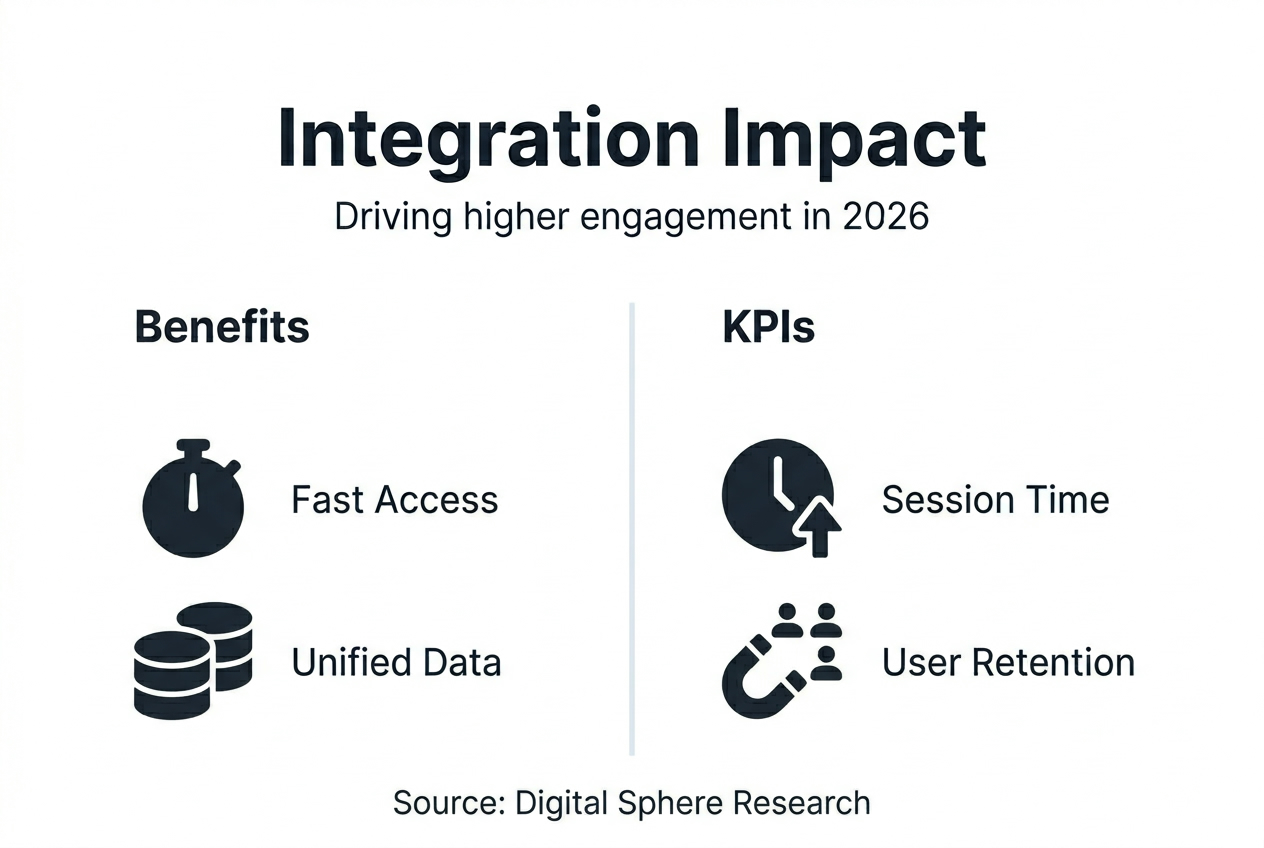
Measure success through engagement KPIs that matter for your business. Track session duration before and after integration, monitor cross-platform user journeys, measure cart abandonment rates across devices, and survey users about their experience. These metrics justify your integration investment and guide improvements.
Digital Sphere provides end-to-end support for SMEs implementing integration strategies. From planning through deployment and optimization, their team ensures your platforms work together seamlessly to amplify user engagement and drive business growth.
Boost your digital presence with professional web and app integration services
Transforming separate digital properties into an integrated ecosystem requires expertise and proven methodologies. Digital Sphere specializes in helping small to medium enterprises bridge the gap between websites and mobile apps, creating cohesive experiences that drive measurable engagement.
Their integration solutions address your specific business needs, from initial architecture planning through deployment and ongoing optimization. You gain access to experienced developers who understand both web and mobile platforms, ensuring seamless data flow and consistent user experiences.
Explore comprehensive resources through their integration strategy ebook, offering detailed guidance on planning and implementing effective integration. Monitor your project progress and collaborate with the team through the customer dashboard, designed for transparency and easy communication throughout your integration journey.
Frequently asked questions
What is website and app integration?
Website and app integration creates seamless connections and data exchange between your web platform and mobile application. Users experience consistent information, synchronized preferences, and unified functionality regardless of which platform they use. This integration eliminates friction points that typically force users to re-enter information or lose progress when switching devices.
How does offline-first architecture improve integration?
Offline-first architecture stores data locally on devices, making apps faster and more reliable even with poor connectivity. This approach shifts application logic to prioritize local databases as the source of truth, syncing with servers when connections allow. Users interact with your app immediately without waiting for network responses, dramatically improving perceived performance and satisfaction.
What are common challenges in integrating websites and apps?
Data inconsistencies emerge as the primary challenge when sync logic fails between platforms. Robust data validation and error handling across both platforms prevent these issues. Security protection becomes crucial because integrated systems share user data across multiple touchpoints, requiring careful authentication and encryption strategies.
How can SMEs measure the success of integration efforts?
Track user engagement metrics like session duration, pages per session, and return visit frequency before and after integration. Monitor app and website usage trends to verify users move seamlessly between platforms. Establish KPIs specific to your business goals, such as cross-platform conversion rates or reduced cart abandonment, to inform ongoing improvements and justify integration investments.